

NextFloor
Draw your home inside Home Assistant and watch it live in 3D.
Lamps light their room, blinds move, doors open, the TV shows what plays, rain falls outside.
Free, open source, no cloud, no account. Made for wall tablets.
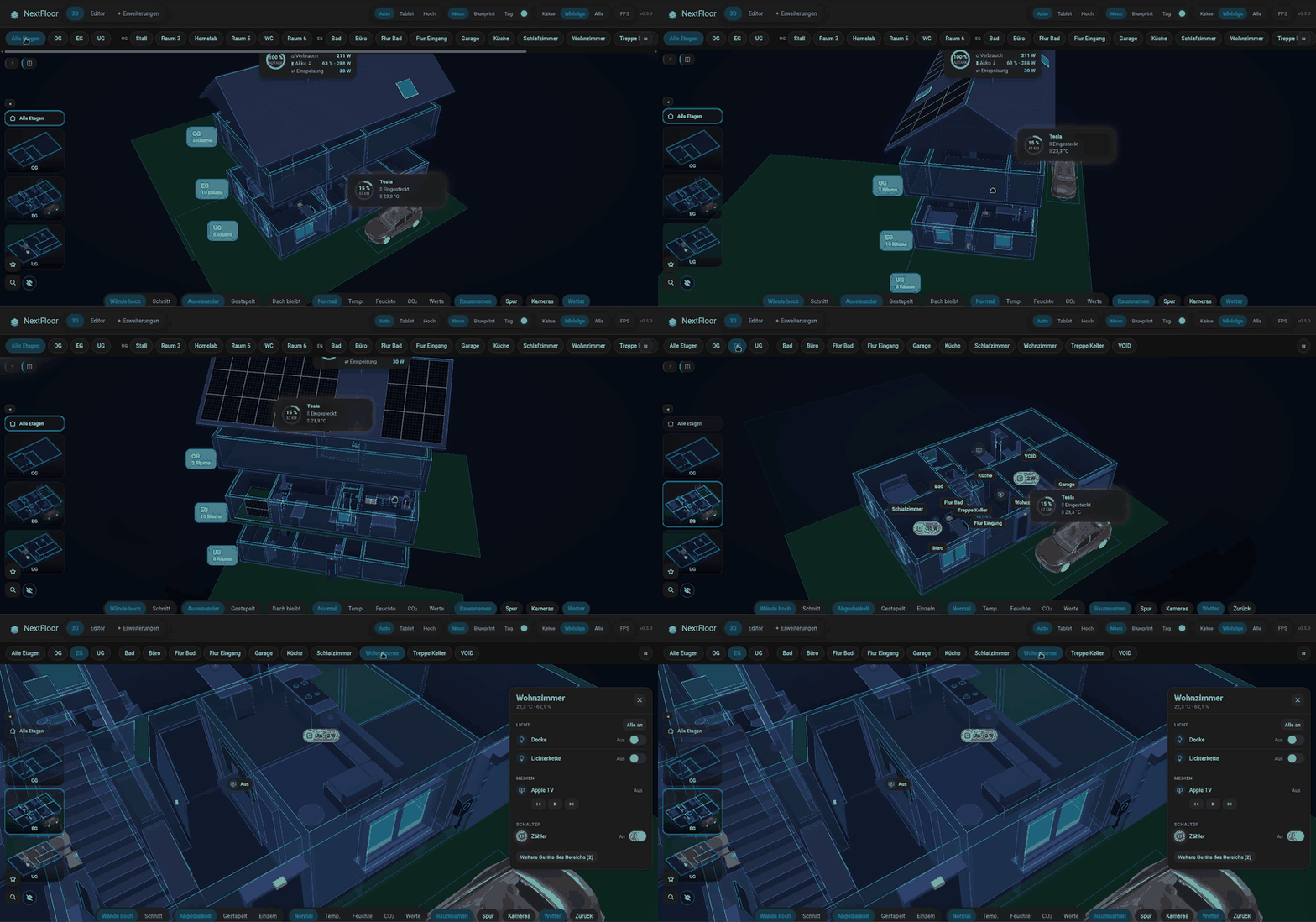
🎬 Watch the setup video in your browser, from the empty page (45 min, English voice, subtitles en/de)
📖 Manual · Anleitung (Deutsch) · 🗺️ Roadmap · 📝 Changelog
✨ Highlights
| ✏️ Plan editor | Floors, rooms, walls, doors, windows, stairs, outdoor areas and a roof, drawn in Home Assistant with the 3D view beside the plan. |
| 💡 Live 3D | Tap to switch, swipe to dim, long press for colours. Blinds, windows and doors follow their entities; a room panel lists everything in the room. |
| 🛋️ Furniture & vehicles | 40 basic models and 26 packs with over 620 more, popular IKEA sizes, Tesla models in their paint colours. |
| ⚡ Energy & weather | Solar fields and power flow, rain, snow, fog, sun and moon, sunlight through the windows. |
| 📺 Media | TV screens with cover and ambilight, speakers with their cover and controls. |
| 🖥️ Wall tablet ready | Alerts for smoke, gas, water and open windows, kiosk mode with night dimming, a light quality level for Fire tablets. |
| 🎨 Fits your theme | Takes colours, font and corner radius from Home Assistant; three looks (Neon, Blueprint, Day) and a heatmap. |
| 🧩 Dashboard card | custom:nextfloor-card with a visual editor. |
| 📦 Own 3D models | Upload a .glb of your own on the Extensions page; NextFloor prepares it for you. |
🖼️ Gallery
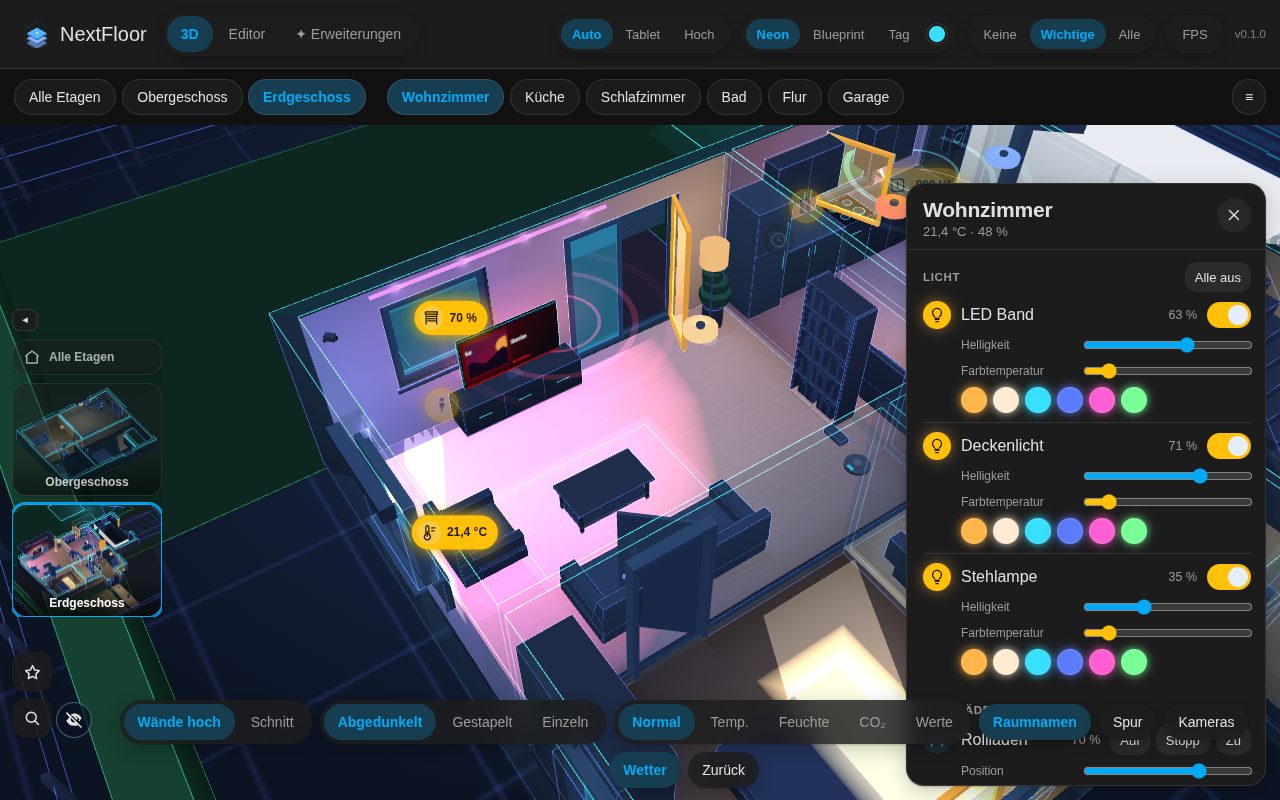 Live room view with its panel | 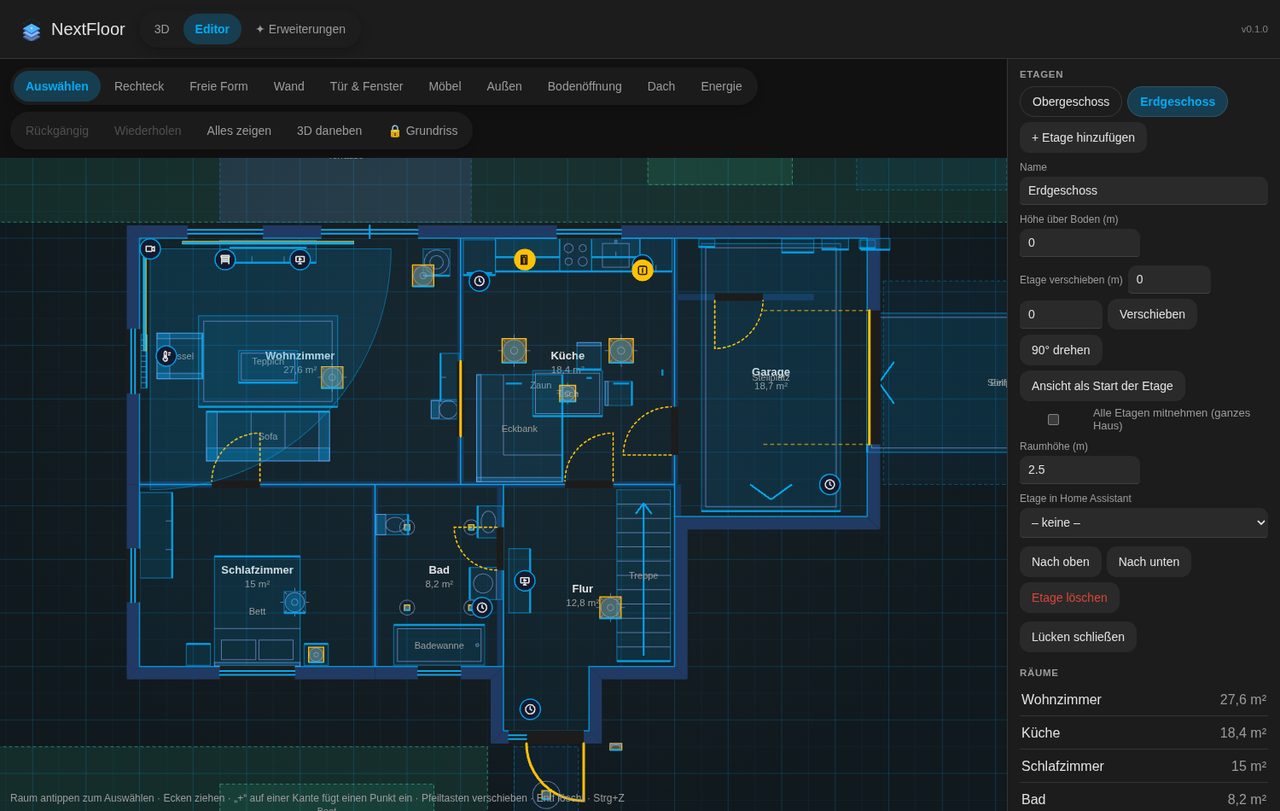 Plan editor with 3D beside it | 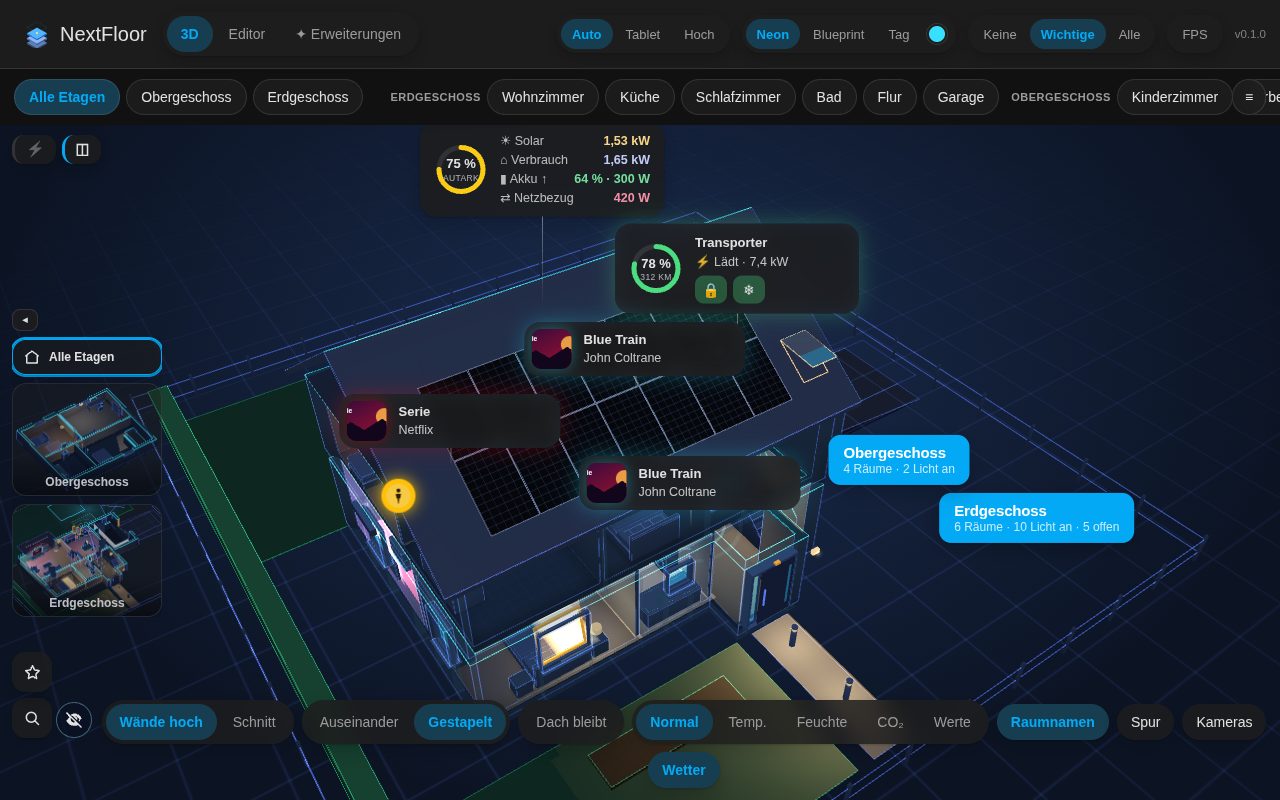 Floors stacked |
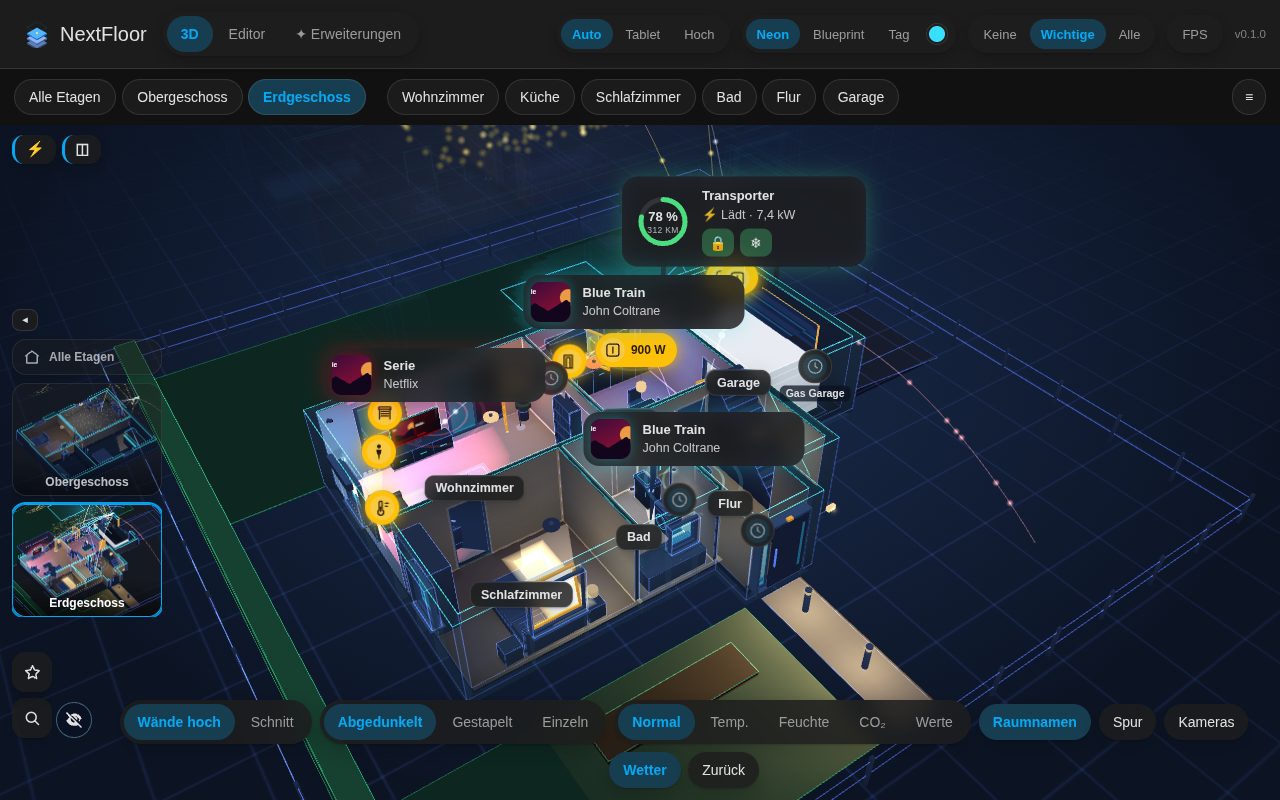 Energy flow | 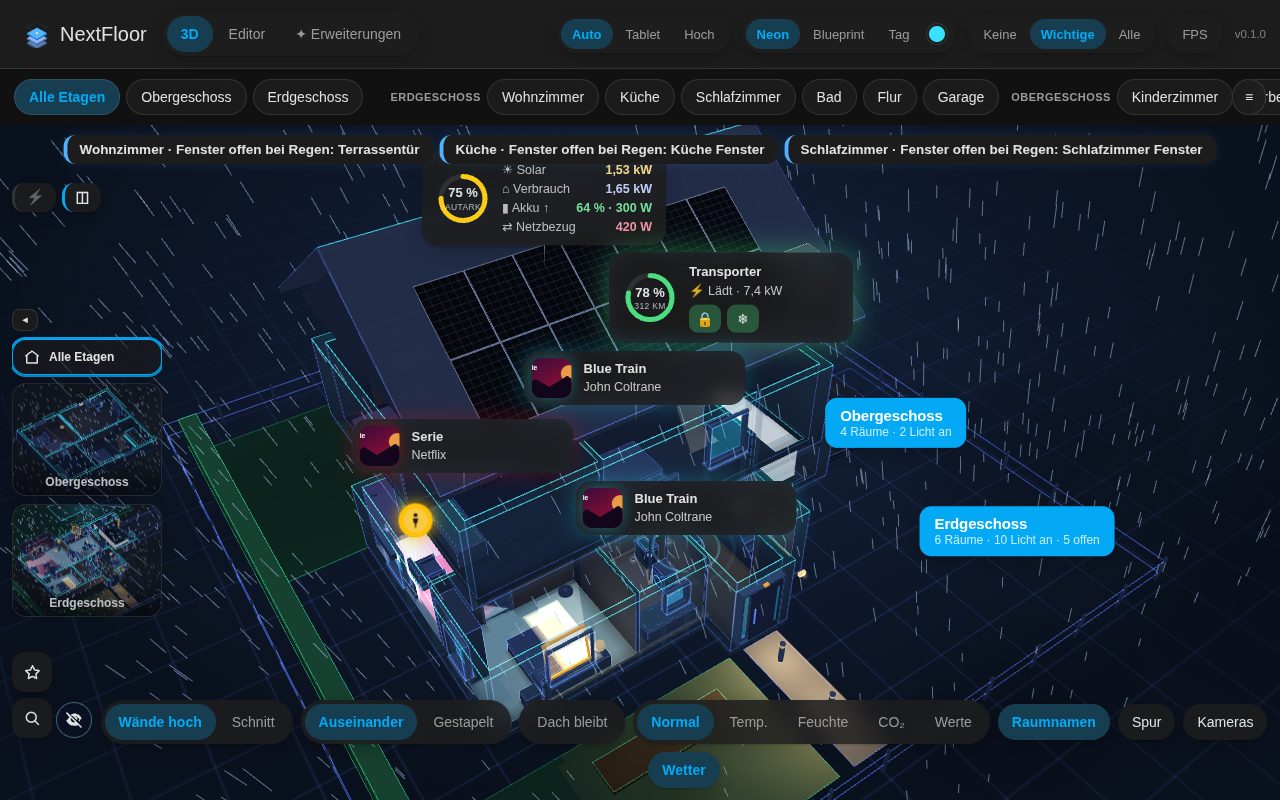 Weather outside | 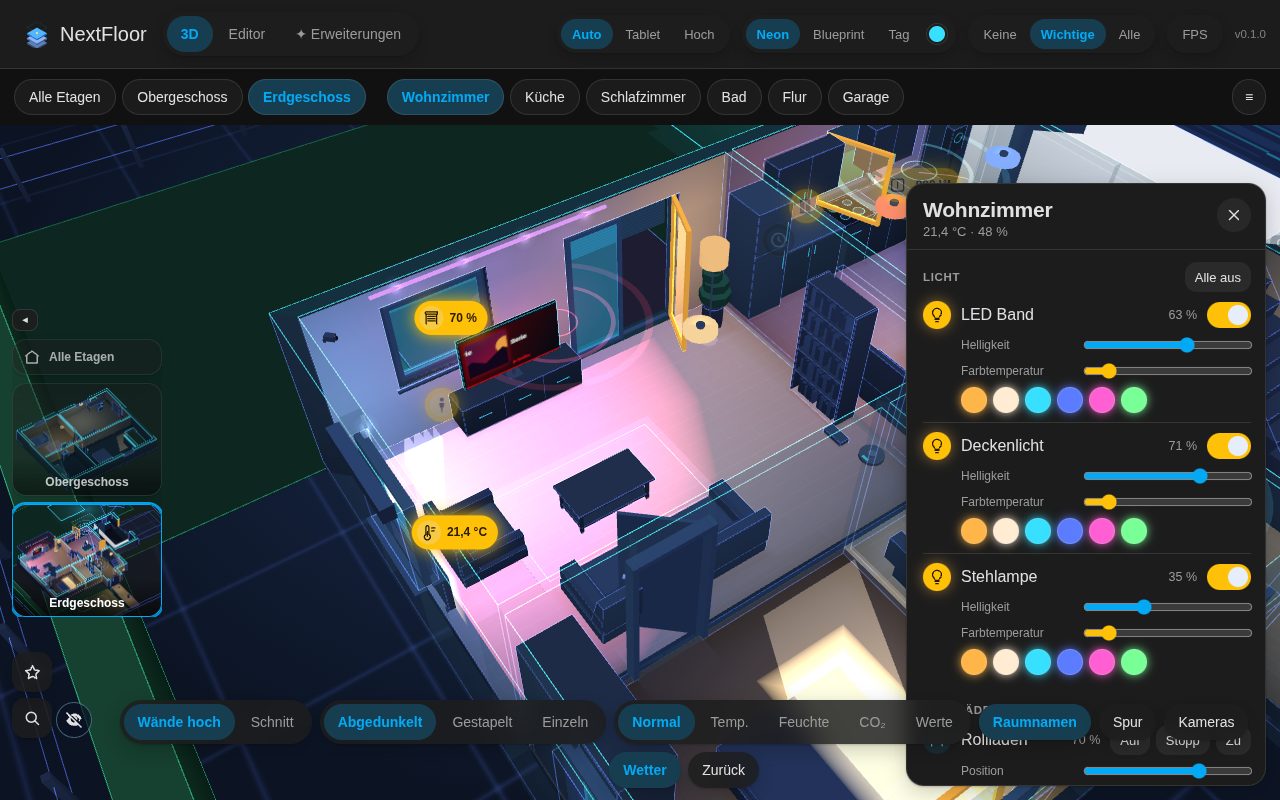 TV screens |
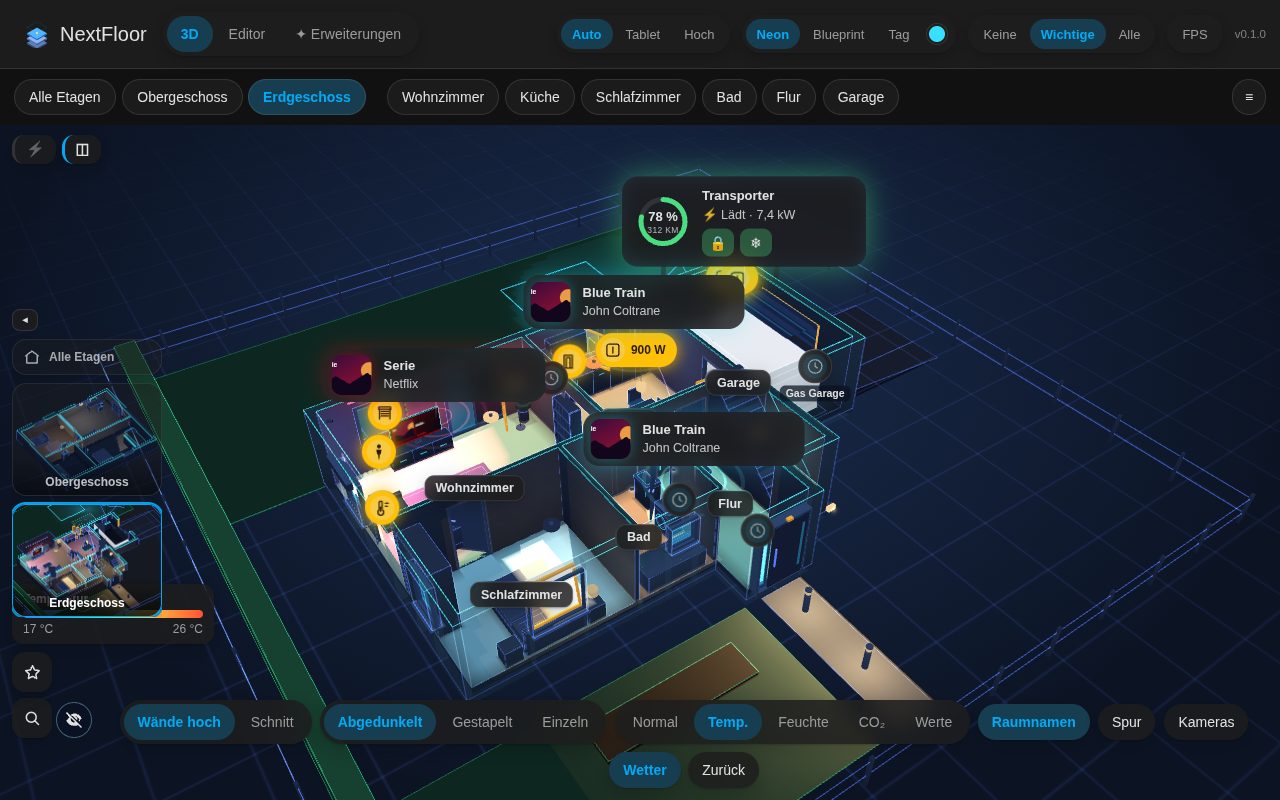 Heat map | 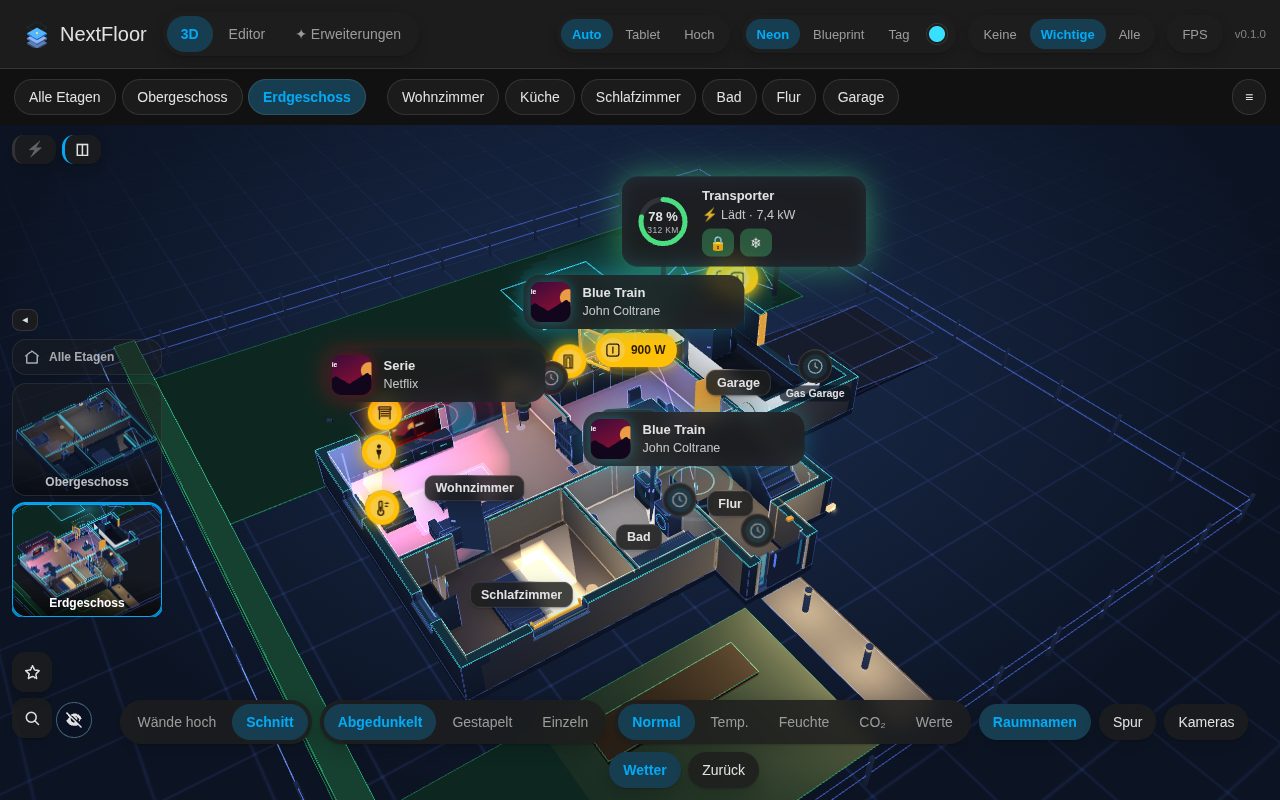 Cut-away walls | 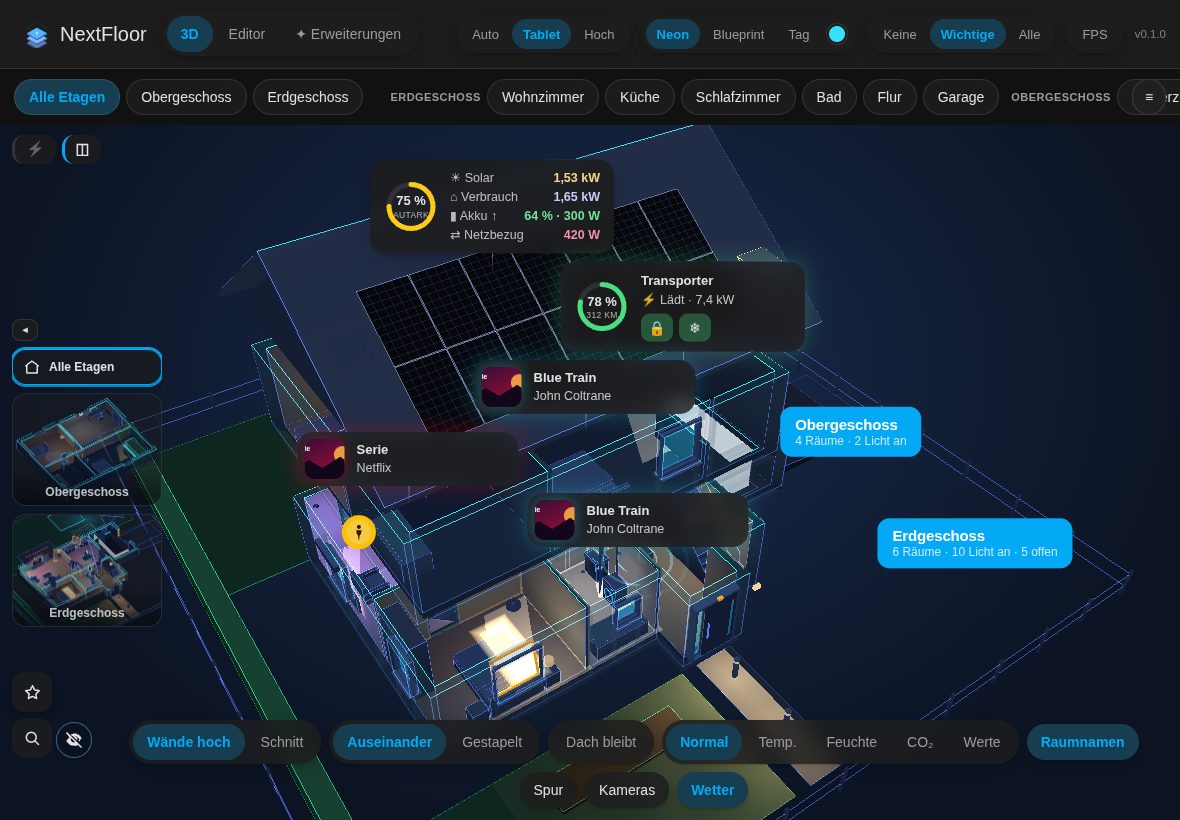 Wall tablet |
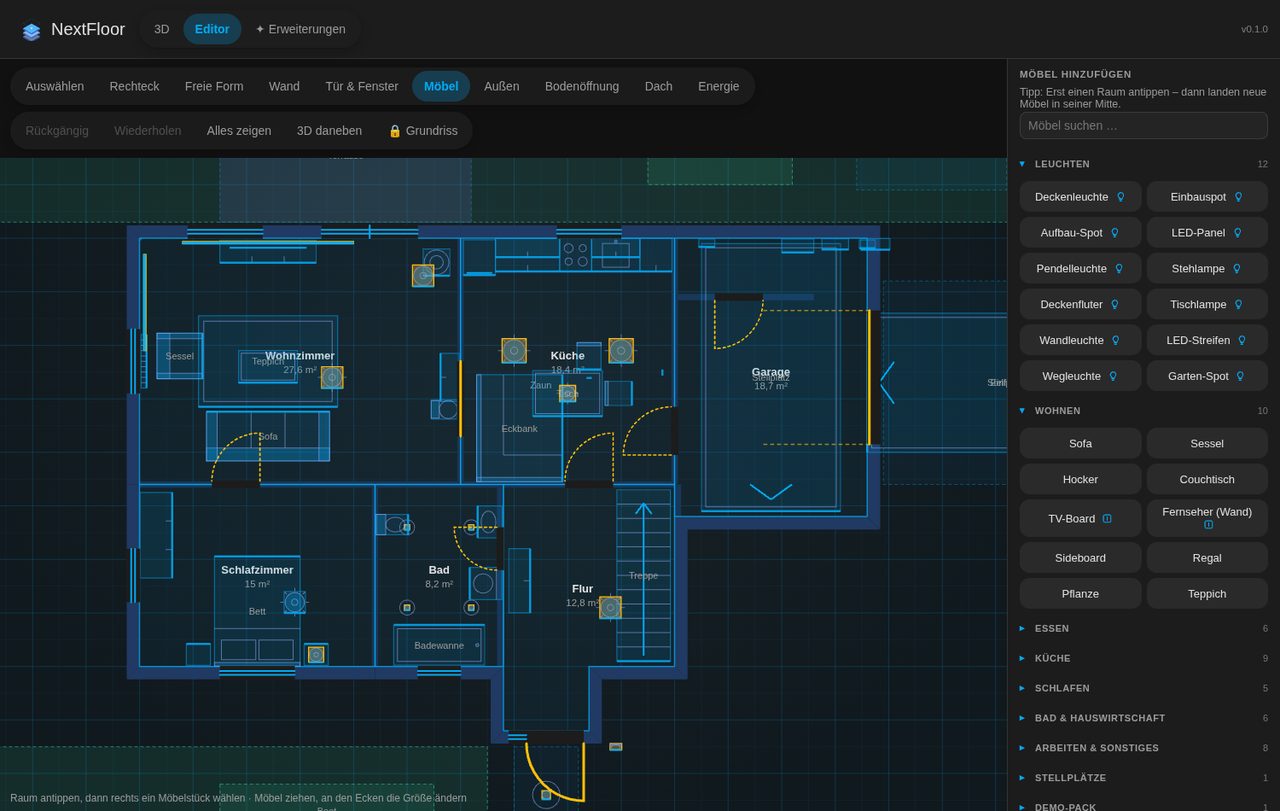 Furniture library | 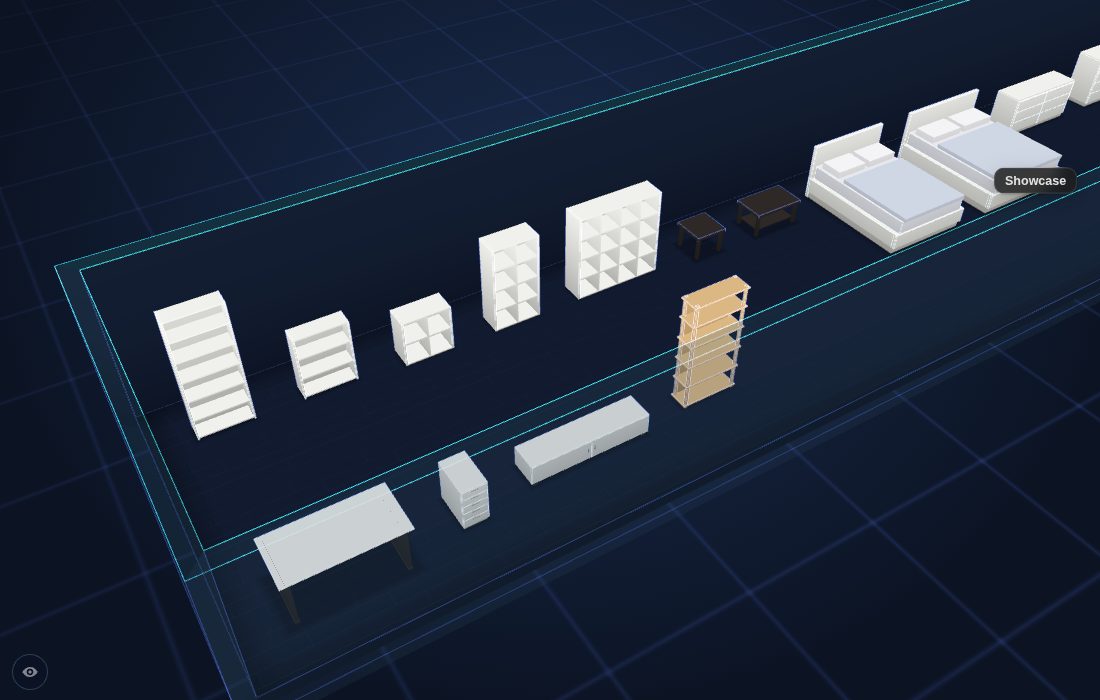 IKEA sizes | 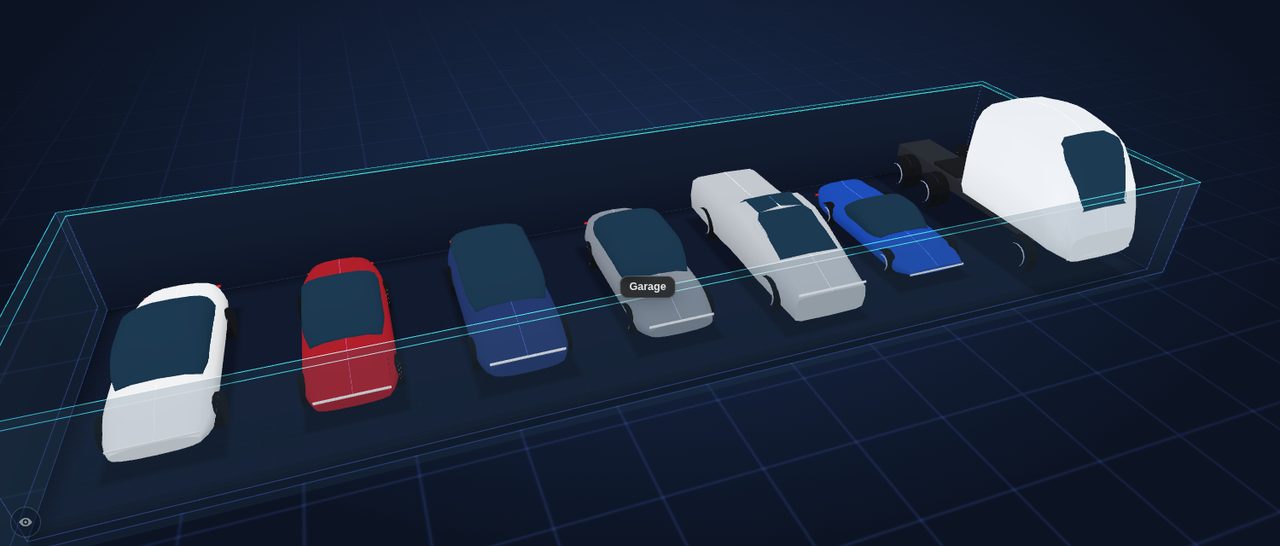 Tesla models |
Neon | 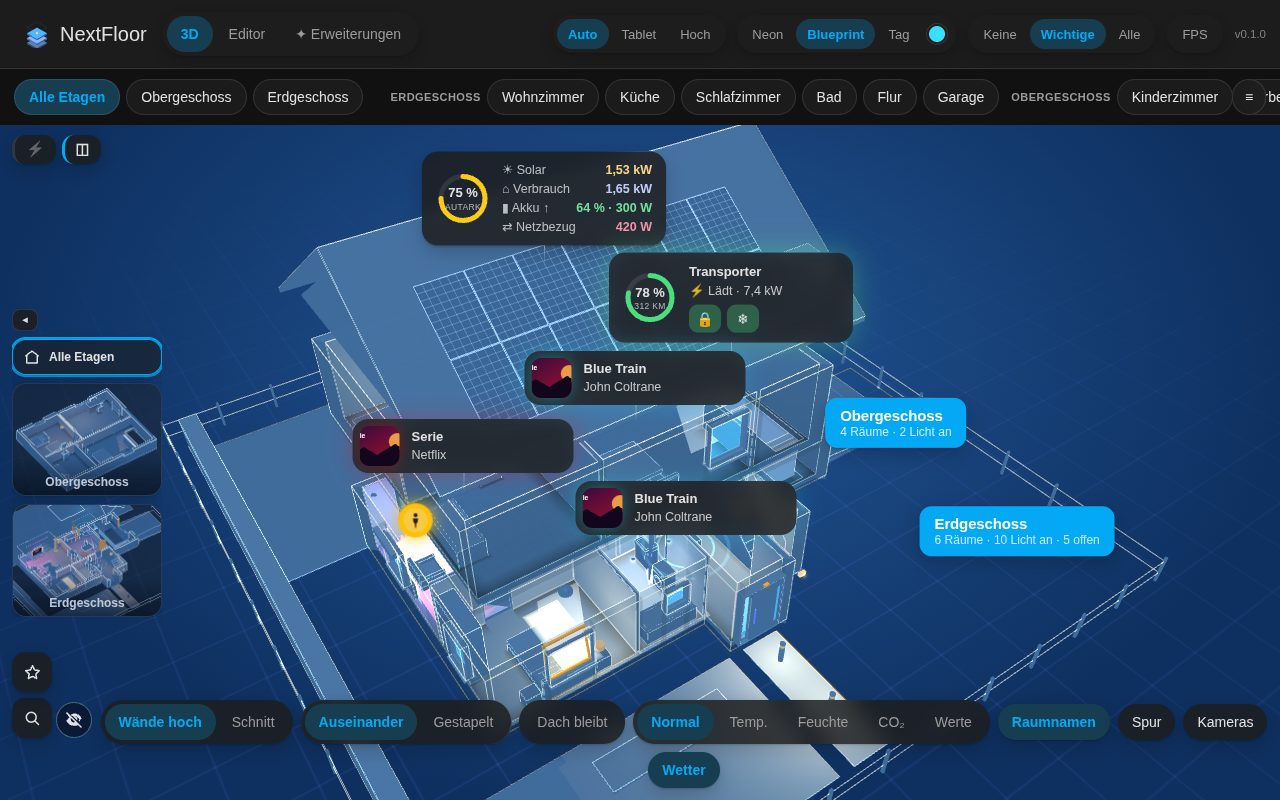 Blueprint | 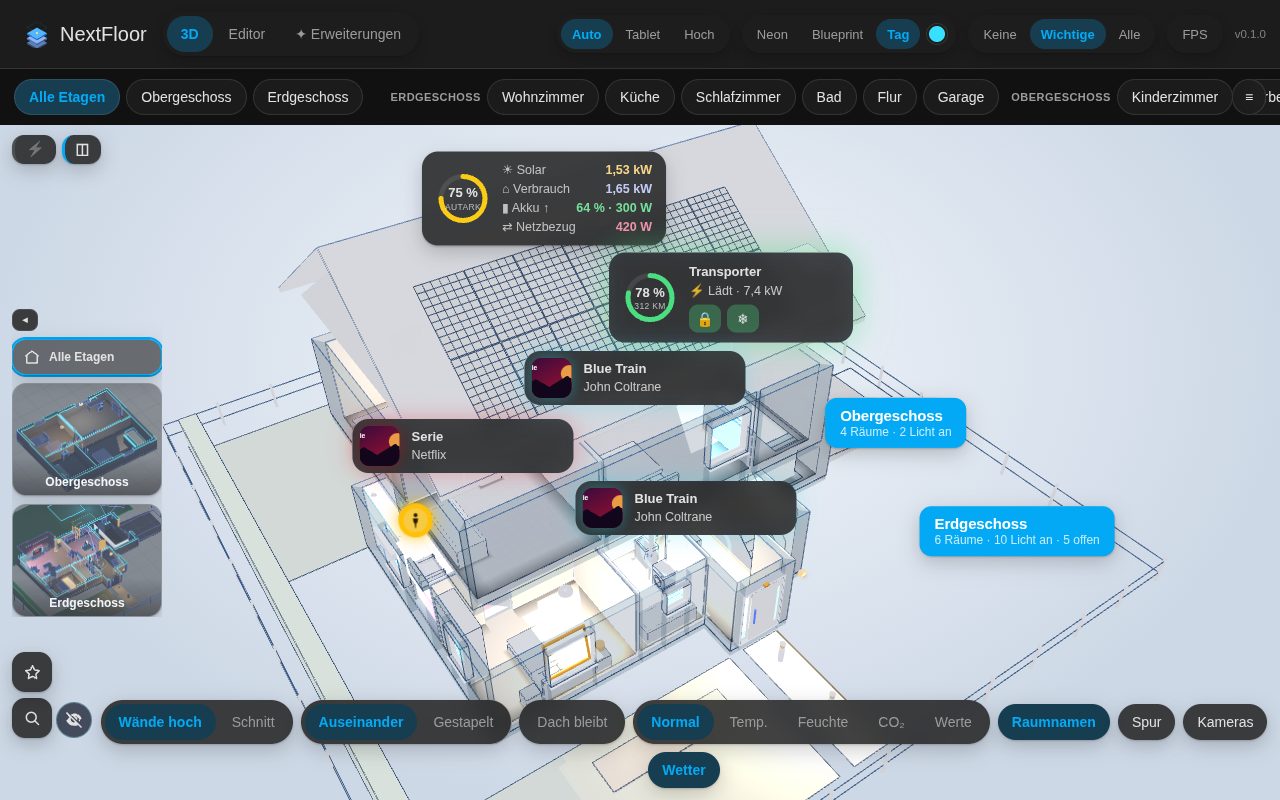 Day |
🚀 Installation
HACS (recommended)
- Click the HACS button above, or in HACS go to ⋮ → Custom repositories and add
https://github.com/therealMRBK/NextFlooras Integration. - Install NextFloor and restart Home Assistant.
- Add the integration:
or Settings → Devices & services → Add integration → NextFloor.
- Open NextFloor in the sidebar, switch to Editor and draw your first floor.
Manual: copy custom_components/nextfloor into config/custom_components/ and restart. Requires Home Assistant 2025.1 or newer.
🧩 Dashboard card
Every option is in the card's visual editor. The same in YAML:
All options
type: custom:nextfloor-card
floor: floor_ab12cd34   # optional: show a single floor (id from the editor)
room: room_ab12cd34     # optional: start in this room
height: 420             # optional: height in pixels
fill: false             # optional: fill the screen below the dashboard header instead of a height
walls: auto             # optional: auto | cut
explode: true           # optional: pull floors apart in the house view
floor_stack: dim        # optional: floors below an opened floor: dim | stacked | single
quality: auto           # optional: auto | low | high
theme: neon             # optional: neon | blueprint | day
accent: "#00e5ff"       # optional: accent colour for the neon look
markers: important      # optional: none | important | all
heatmap: none           # optional: none | temperature | humidity | co2
room_panel: true        # optional: tapping a room opens its details
room_names: true        # optional: room names in 3D
controls: true          # optional: switches in the card, or a list of walls, floors, temperature, humidity, co2
floor_thumbs: true      # optional: floor pictures to switch floors
fullscreen_button: false
stats: false            # optional: performance display
alerts: true            # optional: smoke, gas, CO, water, alarm and windows open in the rain pulse
alert_jump: false       # optional: jump to the room of a new warning
scenes: true            # optional: scene and script buttons of the selected room
energy: true            # optional: energy values at the top
flows: true             # optional: power flow lines always on (true) or off (false); leave out for a switch
holograms: true         # optional: live cards (energy balance, car, media) always on or off; leave out for a switch
weather: true           # optional: weather outside
weather_entity: weather.home   # optional: which weather entity (default: as set in the plan)
idle_return: 0          # optional: kiosk, seconds without a touch until the start view returns
night: "off"            # optional: kiosk, dim at night: off | sun | "22:00-06:00"
idle_orbit: false       # optional: kiosk, slow camera turn after the idle return
📦 Your own 3D models
Own a model of a vehicle (.glb)? Open Extensions in the NextFloor panel, choose the file, turn the front towards you, pick the level of detail and store it on your Home Assistant. NextFloor does the preparation in the browser and ships no models. See docs/models.md.
🔒 Privacy
The plan, its pictures and the packs live in Home Assistant's .storage. NextFloor does not talk to the internet on its own; only if you switch on the optional real map, your browser loads map tiles from the tile server (OpenStreetMap by default). Pictures and history come from your own Home Assistant.
🤖 Made with AI
NextFloor was built entirely with AI assistance. The idea, the decisions and the testing in a real house come from a person; the design, the code, the tests and the documentation were written together with Claude (Anthropic) in Claude Code. I would rather say so openly than let you guess.
What that means for you:
- It is tested, but young. There are automated tests (frontend logic, the furniture packs, the Home Assistant side) and releases are looked at in a real browser and installed on a real Home Assistant, but it has far fewer users than most integrations. Expect rough edges and report them.
- Back up before you trust it. The plan lives in Home Assistant's
.storage; the editor has a backup and restore of the whole plan. - Read the code if it matters to you. It is MIT licensed and small enough to read. Pull requests are welcome, also ones written with AI, as long as you say so and have run the checks (see CONTRIBUTING.md).
🛠️ Development
Build, test, preview
cd frontend
npm install
npm test            # pure logic
npm run typecheck
npm run build       # writes the bundles to custom_components/nextfloor/frontend (committed)
npm run screenshot  # renders preview/index.html (invented demo data) with a local Chrome or Chromium
- Preview without Home Assistant: open
preview/index.htmlthrough any local web server. - Deploy to a test instance: create
deploy.local.jsonwith{"target": "<config>/custom_components/nextfloor"}and runnpm run deployinfrontend/. - Python tests run in CI with
pytest-homeassistant-custom-component. - Furniture packs: the built-in packs are generated by
tools/build_packs.py. The format of your own packs is described in docs/packs.md (German).
💬 Ideas, questions and bugs
Discussions for ideas and questions, Issues for bugs.
Licence
MIT, see LICENSE. NextFloor ships three.js (MIT), Lit (BSD-3-Clause); their notices are in THIRD_PARTY_NOTICES.md.
"Home Assistant" is a trademark of its owners; "Tesla" and the Tesla model names are trademarks of Tesla, Inc., and "IKEA" and its product names are trademarks of Inter IKEA Systems B.V.; they are used here only to name the sizes and models. NextFloor is an independent community project and not affiliated with or endorsed by Nabu Casa, Tesla or IKEA.