

OpenInvento

OpenInvento - Selfhosted Inventory Manager
Landing Page: https://openinvento.github.io/landingpage/
Features
- Self-hosted inventory management system
- Simple and intuitive user interface
- Support for article images and attachments
- User management and shared inventories
- Very flexible and customizable inventory structure (custom fields, categories, etc.)
- Easy installation with Docker
- QR and Barcode Support
Screenshots
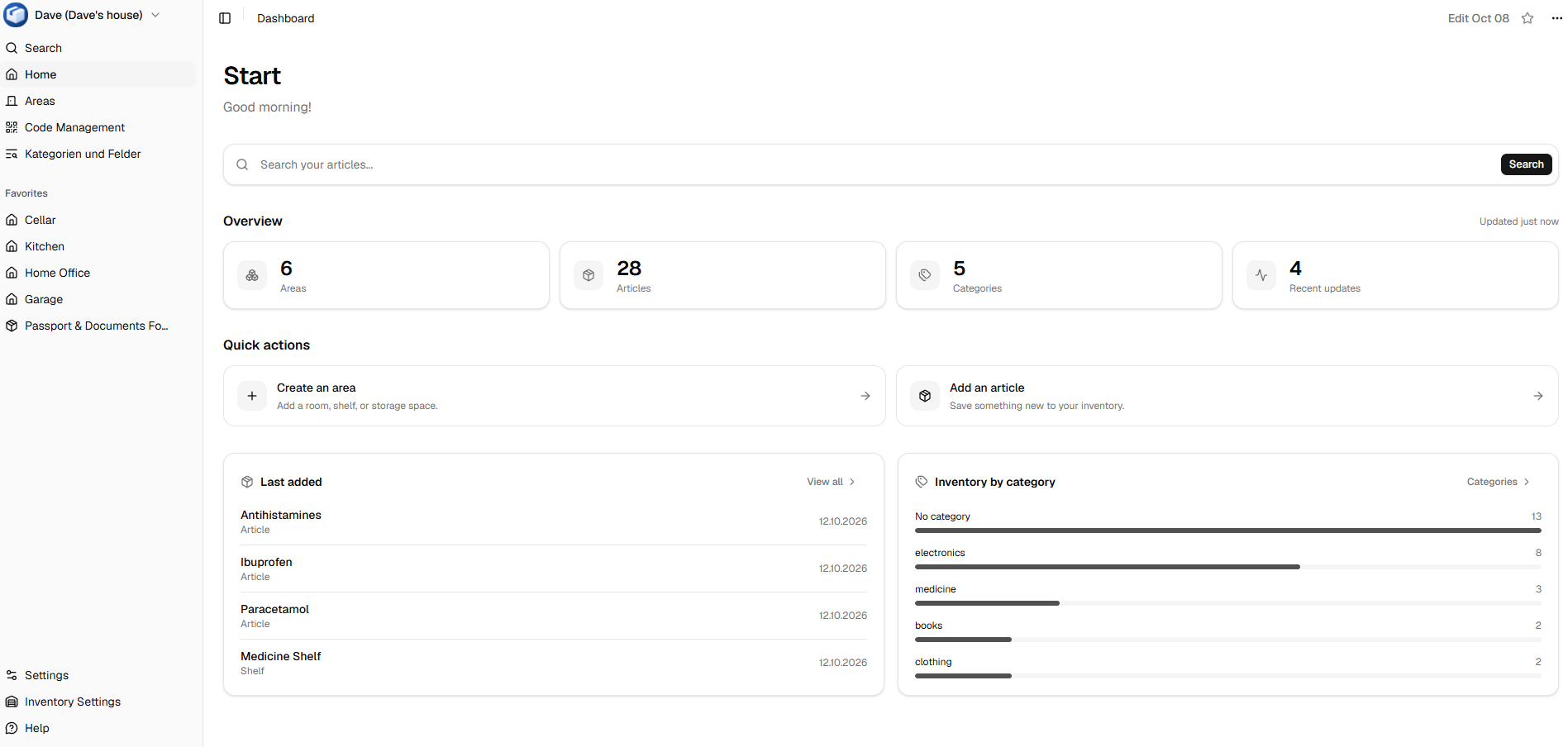
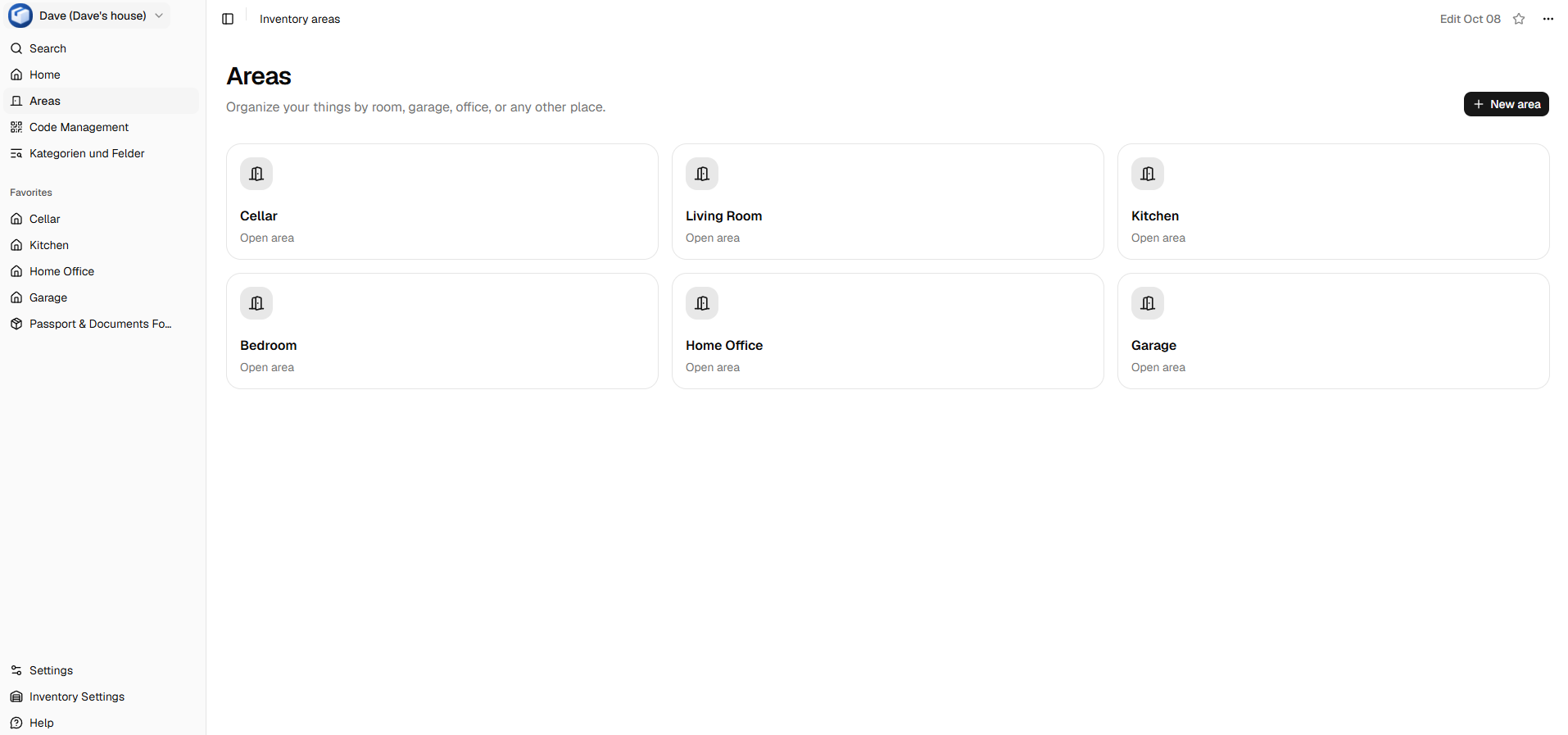
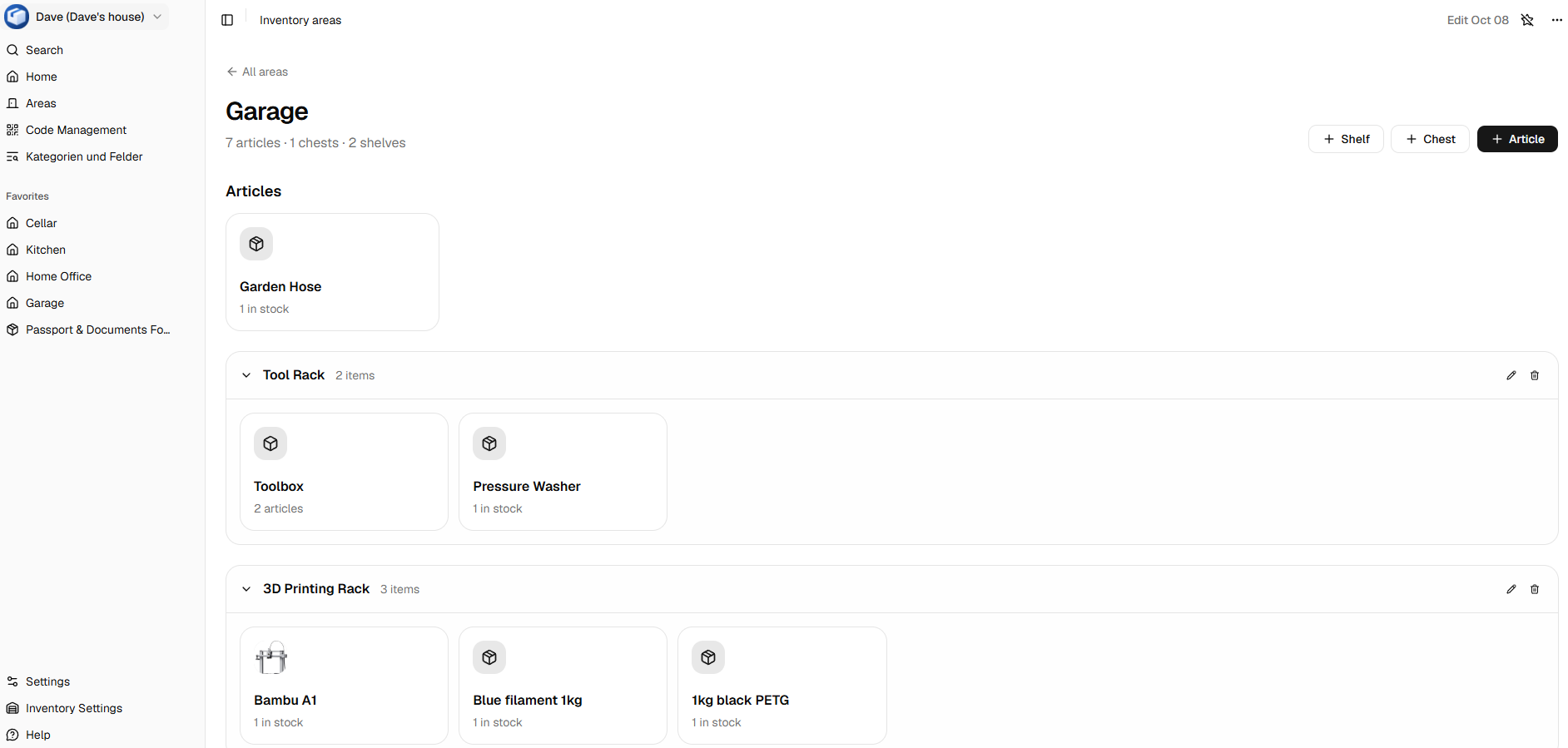
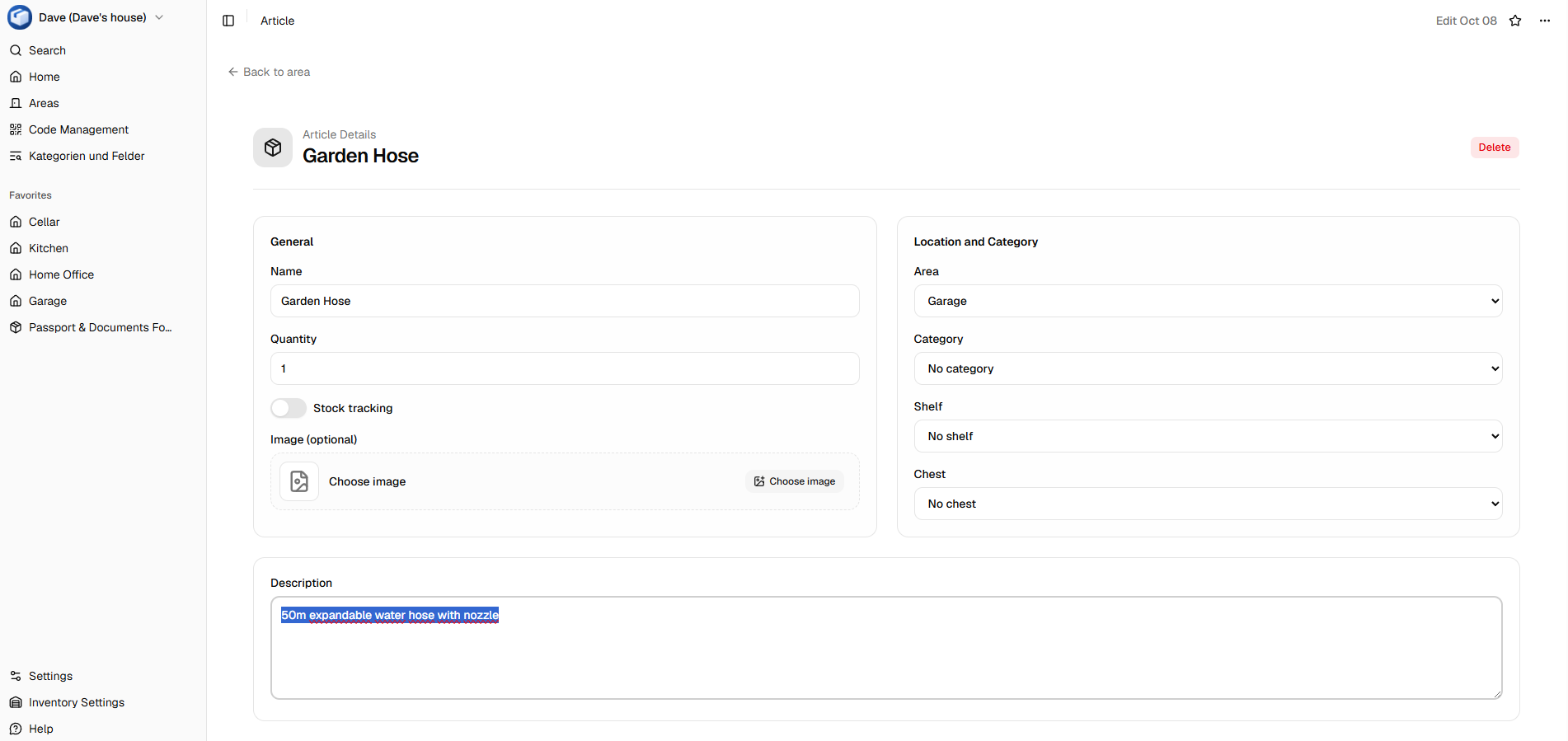
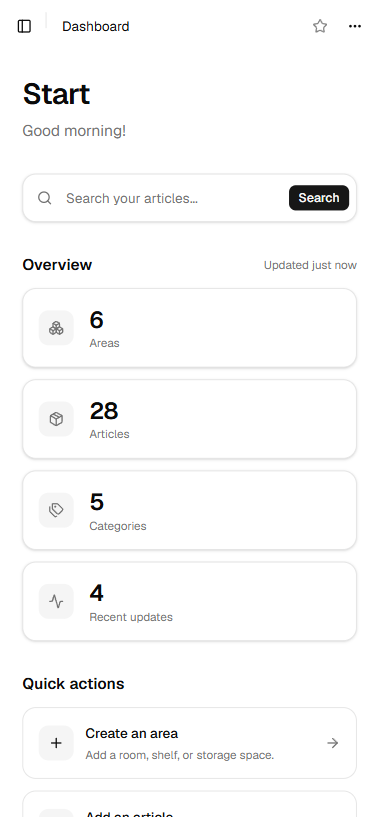
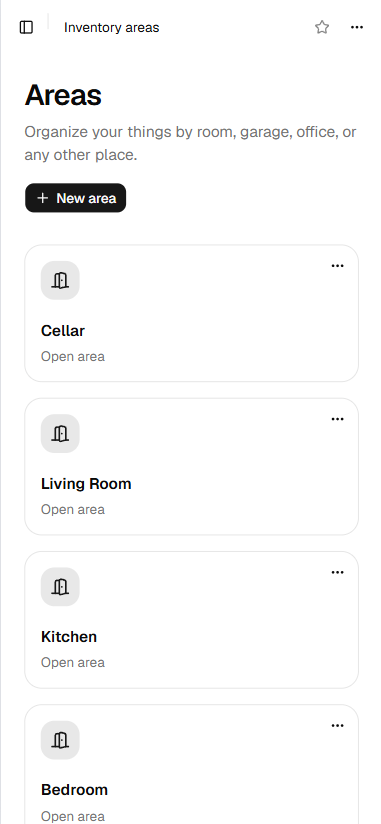
Here are some example screenshots:
Desktop Views
Mobile Views
Installation
Docker Compose (recommended)
Use the docker-compose.yml file: https://github.com/openinvento/openinvento/blob/main/docker-compose.yml
An example .env file is provided in the repository.
Manual Docker Installation
docker volume create openinvento-data
docker run -d \
  --name openinvento \
  --restart unless-stopped \
  -v openinvento-data:/data \
  -p 8080:80 \
  -e DATA_DIRECTORY=/data \
  -e APP_URL=http://localhost:8080 \
  -e INIT_ADMIN_USERNAME=admin \
  -e INIT_ADMIN_PASSWORD=change-this-password \
  -e CREATE_INIT_ADMIN=true \
  -e ENABLE_SIGNUP=false \
  -e SECRET_KEY=replace-with-a-long-random-secret \
  ghcr.io/openinvento/openinvento:latest
Once the container is running, open http://localhost:8080 in your browser and log in with your initial administrator credentials.
Update
Docker (docker run)
Pull the latest image and restart the container while keeping your data (persists in volumes).
Docker Compose (recommended):
docker compose pulldocker compose up -d
Configuration
Env Variables
The Docker deployment reads these variables from the environment or a .env file:
| Variable | Required | Default | Description |
|---|---|---|---|
APP_URL |
Recommended | None | Main public application URL. Accepts https://example.com, http://localhost:8080, or a bare example.com[:port] host. Bare hosts default to http://. |
APP_URLS |
No | None | Comma-separated additional application URLs, with the same format as APP_URL. |
SECRET_KEY |
Recommended | Unsafe fallback | Secret key used by Django. Set a long random value in production. You can generate one with openssl rand -hex 32. |
DATA_DIRECTORY |
No | /data in Docker |
Directory for the database and uploaded files. |
INIT_ADMIN_USERNAME |
Required when enabled | None | Username for the initial administrator account. |
INIT_ADMIN_PASSWORD |
Required when enabled | None | Password for the initial administrator account. It must be changed on first login. |
CREATE_INIT_ADMIN |
No | true |
Set to false to disable automatic initial administrator creation. |
ENABLE_SIGNUP |
No | false |
Set to true to enable public account signup. |
ENABLE_UPDATE_CHECKER |
No | true |
Set to false to disable automatic update notifications. |
The initial administrator is created after migrations only when the database contains no users. After the first login, the user will be prompted to change their password.
APP_URL and APP_URLS are used to configure both Django ALLOWED_HOSTS and CSRF_TRUSTED_ORIGINS. Include a port in the value when the public address uses a non-standard port; the port is kept for CSRF origin checks and automatically omitted from ALLOWED_HOSTS. Use https:// for HTTPS addresses so Django receives the correct CSRF origin scheme. Paths are ignored; supply the site origin only. For example: APP_URL=example.com or APP_URLS=example.com,https://admin.example.com:8443.
Fair-Code & License
OpenInvento is Source-Available and completely free for personal, educational, and non-commercial use.
Why this license? We want to keep this project independent. This license ensures that large corporations and cloud providers cannot simply take OpenInvento, package it as a paid commercial service, and profit from my work without giving anything back.